-
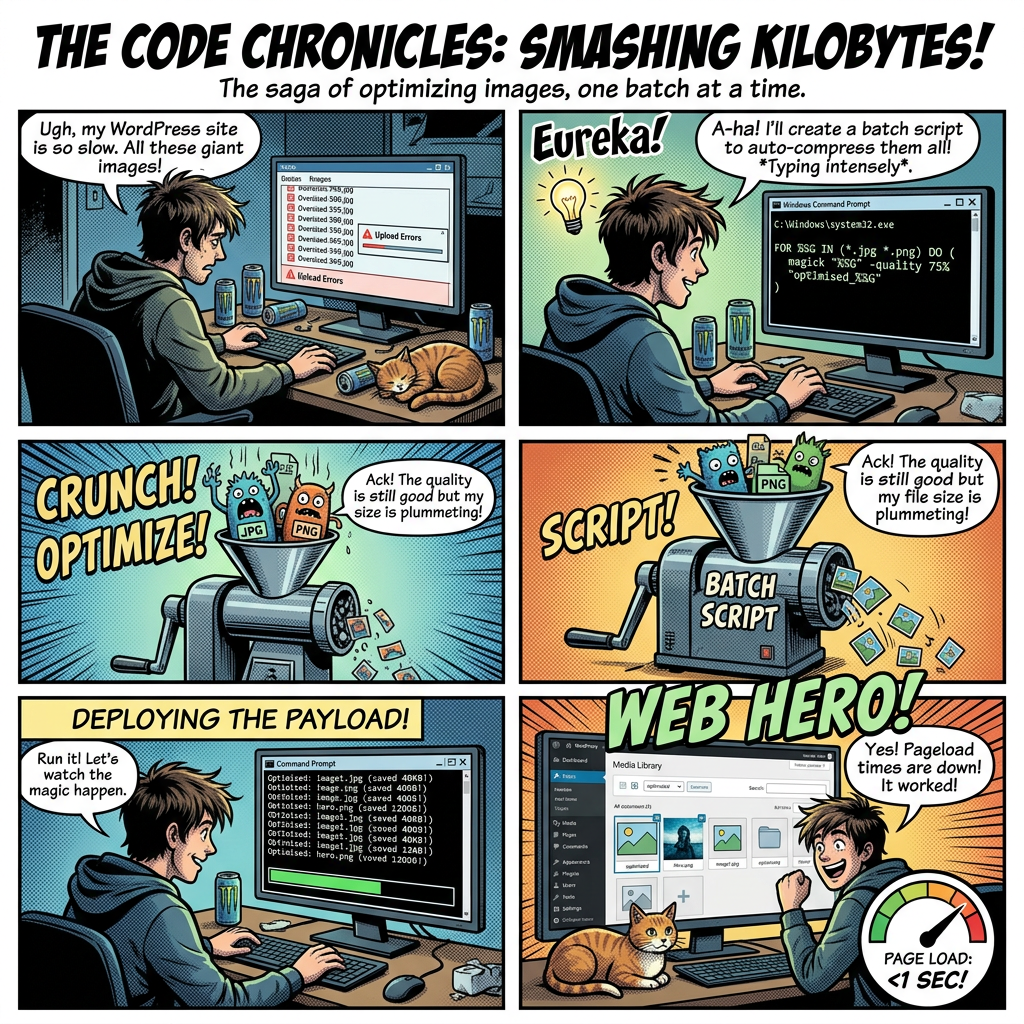
Batch Optimise WordPress Images Faster: High-Speed 3-Step Script Guide
Stop crashing your CPU with slow command-line loops. Use this 3-step Windows batch workflow alongside ImageMagick to isolate, optimize, and safely re-assemble your original WordPress images losslessly.
-

How to Connect Claude AI to WordPress.com Using MCP (And How It Compares to WordPress.org)
Learn how to connect Claude AI to your WordPress.com site in just two clicks using MCP, and see how it compares to the self-hosted WordPress.org setup. No plugins, no config files required.
-

How to Install MCP on Your WordPress.org Self-Hosted Website in Easy Steps
Learn how to connect your self-hosted WordPress.org website to Claude and other AI assistants using the Model Context Protocol (MCP). Follow these easy steps to install the MCP Adapter plugin, set up authentication, and start managing your site with AI.
-
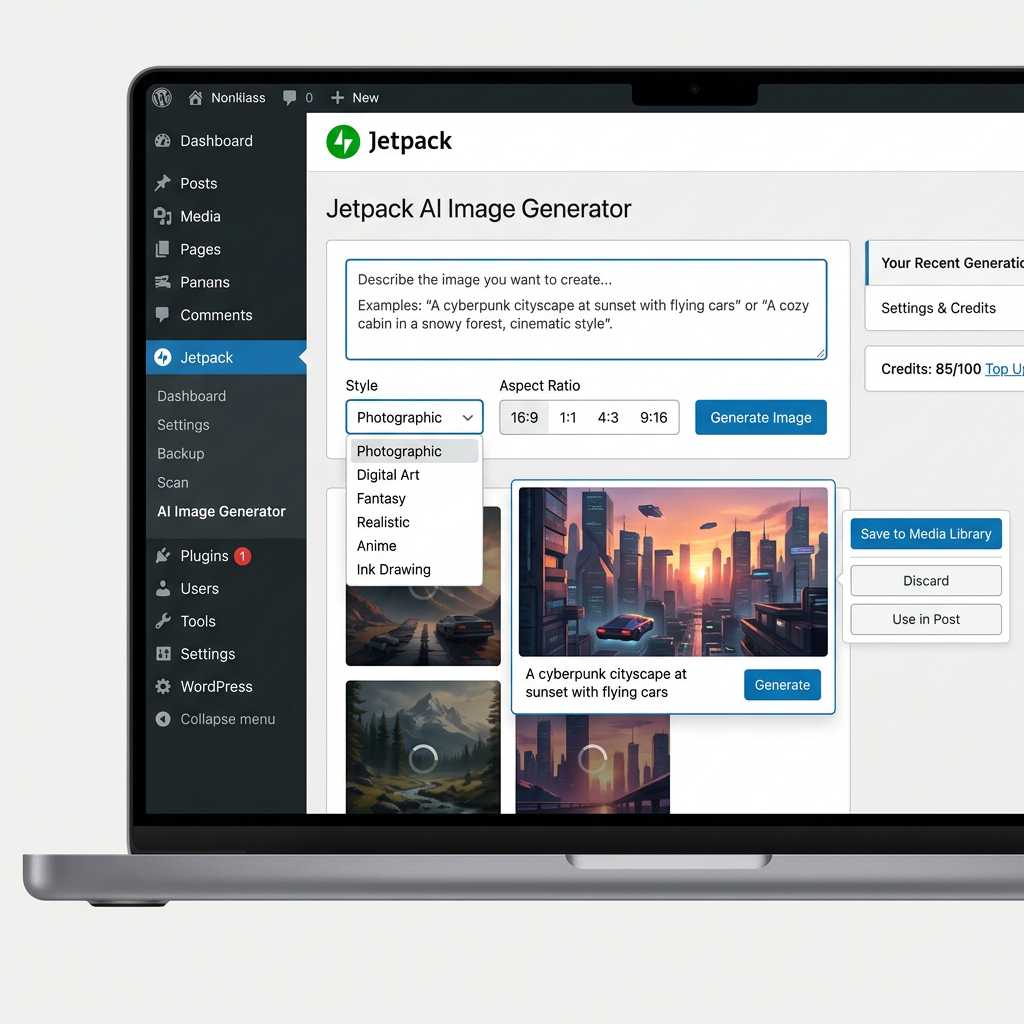
How to Use the WordPress.com AI Image Generator on Your WordPress.org Website
Learn how to easily use the WordPress.com AI image generator on your self-hosted WordPress.org website using the Jetpack plugin. Follow our step-by-step guide to create custom, stunning AI images directly within your block editor.
-

How to Fix WordPress Images Displaying Too Big: Resolving the sizes=”auto” CSS Bug
Are your WordPress images showing too big after a recent core update? Learn how to easily fix the `sizes=”auto”` CSS bug and restore your website layout using quick custom CSS or a simple PHP snippet.
-
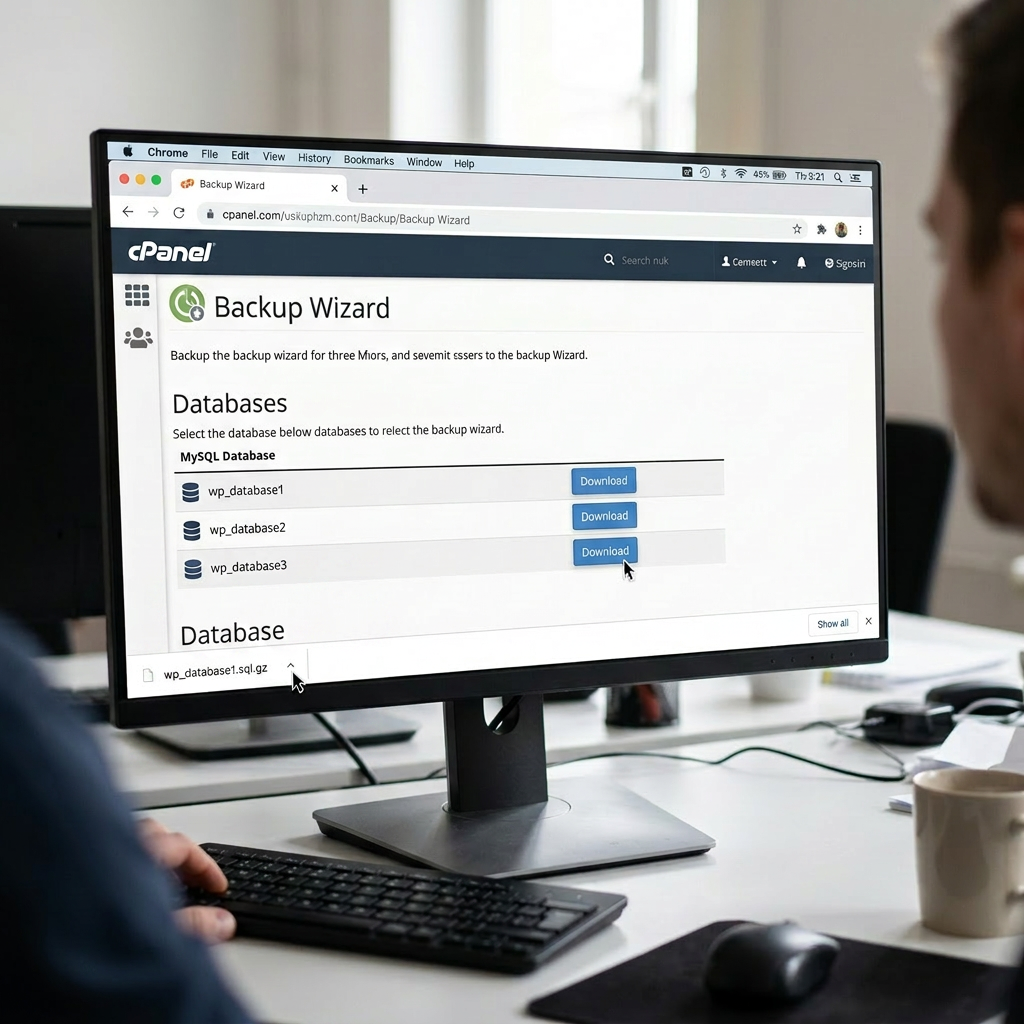
The Ultimate Step-by-Step Guide: How to Backup Your WordPress Database Using cPanel
Learn how to securely backup your WordPress database using cPanel with this step-by-step guide. Discover how to use both the cPanel Backup tool and phpMyAdmin to protect your website data from crashes, hacks, and update errors.
-

Google Analytics – move to v4 NOW!
Make the move to Google Analytics v4 now to make sure you get a good history of your websites data. In 2023 the old analytics will be going so update your google analytics now.
-

How to import into WordPress
So you have this nice website, now it’s time to get some content. You can of course just type away using the block editor and create your page or post. Another way is to import from another system into your Wordpress Website.
-

Photomosaic Plugin does not work with Wordress 5.x!!
If your website uses the Photomosaic wordpress plugin and if you upgrade to Wordpress v5.x it will stop working! Fix for Wordpress v5 and the commercial Photomosaic Plugin
-
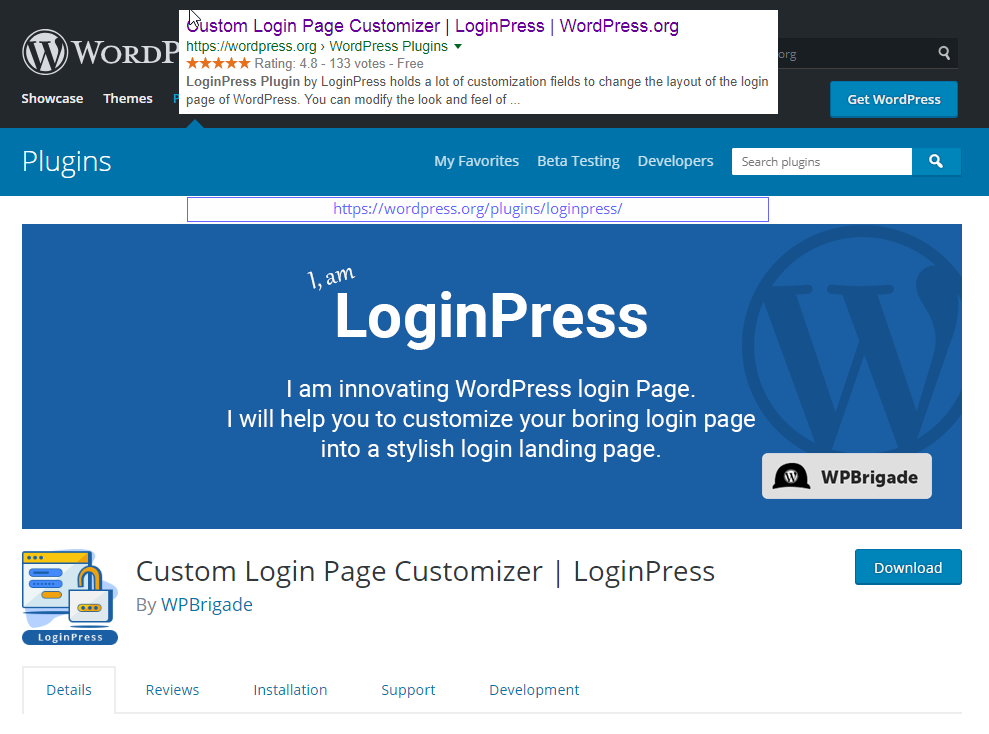
Customise your WordPress Login
LoginPress is a WordPress Custom Login Page Customizer plugin allows you to easily customize the layout of login, admin login, client login, register and forgot password forms/pages.