=== Content Sprout ===
Contributors: Jonathan Camp, nampara17
Donate link: https://jonathancamp.com/
Tags: ai, content, gemini, pexels, unsplash
Requires at least: 5.8
Tested up to: 6.8
Requires PHP: 7.4
Stable tag: 2.4.5
License: GPLv2 or later
License URI: https://www.gnu.org/licenses/gpl-2.0.html
Generates high-quality draft posts from a list of keywords using AI, with options for featured images from stock sources or AI generation.
== Description ==
Content Sprout is a powerful yet simple WordPress plugin designed to streamline your content creation workflow. Generate high-quality draft posts, complete with relevant featured images, directly from a list of keywords or post titles using the power of generative AI.
Features
- Bulk Post Creation: Turn a simple list of keywords or titles into multiple draft posts with a single click.
- AI-Powered Content: Utilizes Google’s Gemini AI to generate well-structured and relevant content for each post.
- Customizable Content Style: Tailor the AI’s output by opting for long-form articles, SEO optimization, or content rich with bullet points and lists.
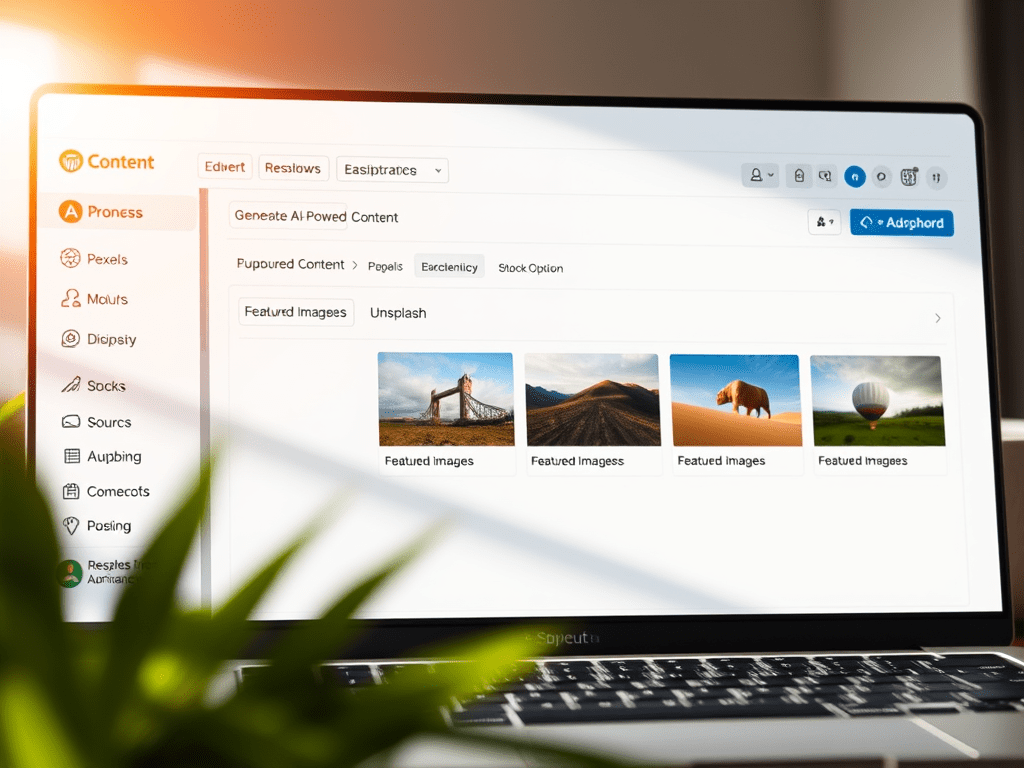
- Multiple Featured Image Sources: Automatically add a relevant featured image to each post from Pexels, Unsplash, or AI-Generated via Stability AI.
- Flexible Output: Choose to save the generated content as rendered HTML (ready to publish) or as raw Markdown for further editing.
- Simple & Clean UI: An intuitive interface integrated directly into the WordPress admin area.
== Installation ==
- Upload the
content-sproutfolder to the/wp-content/plugins/directory. - Activate the plugin through the ‘Plugins’ menu in WordPress.
- Navigate to the “Content Sprout” menu item in your WordPress admin sidebar to configure the settings.
== Setup: Getting Your API Keys ==
To use all the features of Content Sprout, you will need to get free API keys from the services it uses.
1. Google Gemini API Key (for Content)
This is required for all text generation.
- Go to Google AI Studio ( aistudio.google.com/app/apikey ) and log in with your Google Account.
- Click the “Create API key in new project” button.
- Copy the generated API key.
- Paste it into the “Your Gemini API Key” field in the Content Sprout settings page.
2. Pexels API Key (for Stock Images)
This is required if you want to use Pexels as an image source.
- Go to the Pexels API page ( http://www.pexels.com/api/ ) and click “Get Started“.
- Log in or create a free account.
- You will be taken to your API key page. Copy your API key.
- Paste it into the “Your Pexels API Key” field in the Content Sprout settings page.
3. Unsplash API Key (for Stock Images)
This is required if you want to use Unsplash as an image source.
- Go to the Unsplash Developers page ( unsplash.com/developers ) and log in or create an account.
- Click “New Application“, accept the terms, and give your app a name.
- After the app is created, scroll down to the “Keys” section. Copy the “Access Key“.
- Paste it into the “Your Unsplash API Key” field in the Content Sprout settings page.
4. Stability AI API Key (for AI-Generated Images)
This is required if you want to generate unique AI images.
- Go to the Stability AI Developer Platform ( platform.stability.ai ).
- Log in or create a free account.
- Navigate to your API Keys page (usually found by clicking your profile icon).
- Copy your API key and paste it into the “Your Stability AI API Key” field.
After entering your keys, click Save API Keys.
== Frequently Asked Questions ==
= Is this plugin free to use? =
Yes, the plugin itself is completely free. However, it requires API keys from third-party services (Google Gemini, Pexels, etc.). These services have their own pricing models, but all of them offer a generous free tier that is sufficient for most users to generate many articles per month without any cost. You are only billed by the service provider if your usage exceeds their free tier limits.
= Where do I find my generated posts? =
Your newly created posts will appear in the Posts section of your WordPress admin, with the status you selected (e.g., “Draft”).
= Why isn’t a new category I created showing up in the dropdown? =
If you are using a caching plugin or your host uses server-side caching, you may need to clear your site’s cache for the new category to appear in the list.
== Screenshots ==
- The main settings page for entering API keys.
- The post generation form with all content and style options.
- An example of a generated post with a featured image.
== Changelog ==
= v2.3.2 =
- Added version number display to the admin interface.
= v2.3.1 =
- Re-implemented cURL for Stability AI to fix multipart/form-data error.
cURL is a necessary exception for this specific API endpoint, as the standard WordPress HTTP functions do not support its requirements.
= 2.3.0 =
- Final compliance fixes based on Plugin Checker report. Corrected translator comments, replaced unlink() with wp_delete_file(), removed print_r(), hardened nonce verification, and updated readme.txt.
= 2.2.0 =
- Added full PHPDoc blocks and inline comments to meet WordPress.org standards.
= 2.1.0 =
- Re-integrated and fixed all image generation logic (Pexels, Unsplash, Stability AI).
- Added automatic excerpt generation and an option for an AI-generated H1 heading.
= 2.0.0 =
- Initial refactor to meet WordPress.org standards, including internationalization and security enhancements.
= 1.0.0 =
- Initial release.
== Upgrade Notice ==
= 2.2.0 =
This version includes significant code quality and documentation improvements to align with WordPress.org standards. No functionality has changed, but updating is recommended for a more stable and secure plugin.
 Jonathan Camp