-

How to import into WordPress
So you have this nice website, now it’s time to get some content. You can of course just type away using the block editor and create your page or post. Another way is to import from another system into your Wordpress Website.
-
Windows MBox Viewer
MBox Veiwer is a free utility to enable you to view exported emails (from Gmail, etc.) offline. Very useful for archiving emails and then being able to view them offline with a dedicated viewer application.
-

Cyber Security Tips for Small Business Owners
Small business owners may not realize the risks to cybersecurity they face when they start setting up their website and utilizing other digital media.
-
-

Free Roadmap to becoming a web developer in 2019
There are many paths to becoming a web developer. This resource outlines sets of charts to help you on that journey.
-
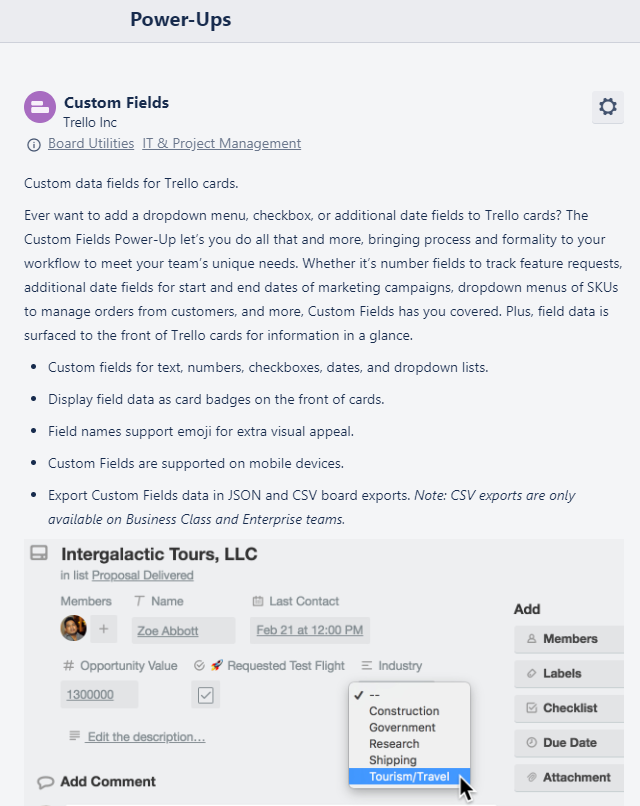
Get more out of Trello – use the Custom Fields Power-Up
When you’re creating cards in Trello you want to restrict people to a list of things that they can select from. With custom Fields you can add a drop down menu with a list of the regions or countries or sales reps or anything that you want them to select from.
-

3uTools – manage an iPhone the ‘easy way’
Trying to manage the iOS devices with iTunes? You have my sympathies! What a pain… right? This is the easy way.
-

Photomosaic Plugin does not work with Wordress 5.x!!
If your website uses the Photomosaic wordpress plugin and if you upgrade to Wordpress v5.x it will stop working! Fix for Wordpress v5 and the commercial Photomosaic Plugin
-
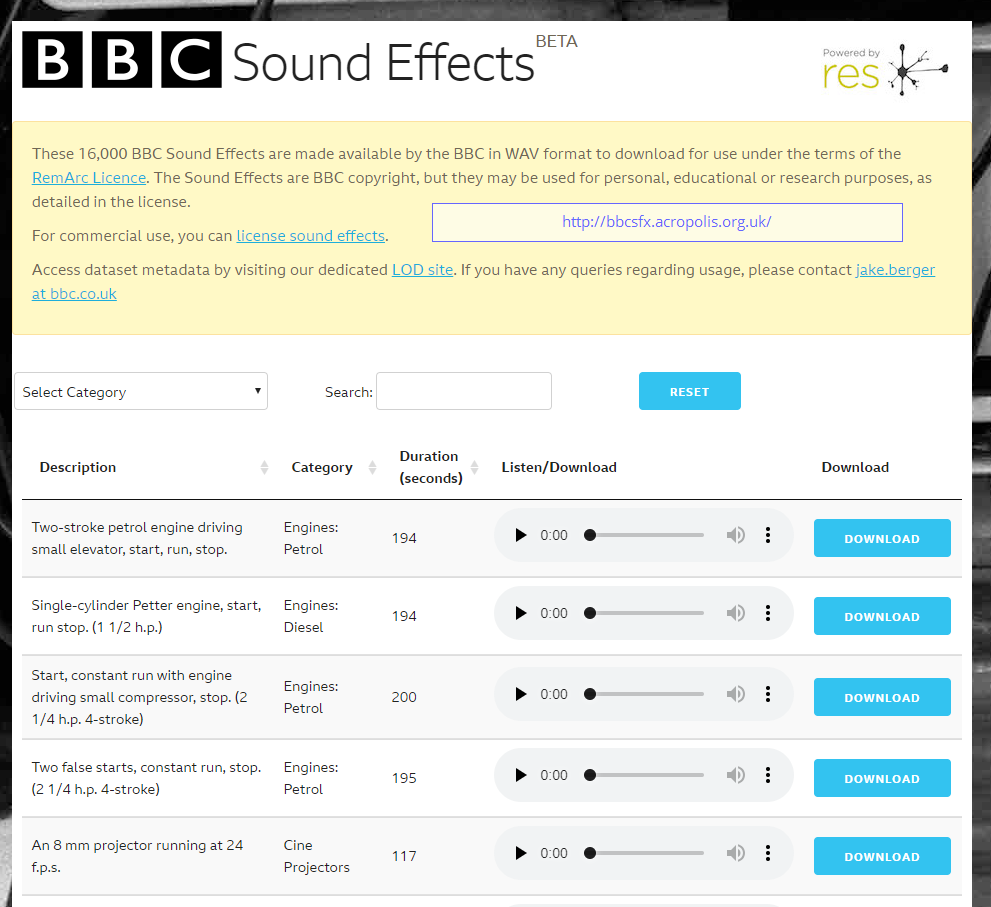
Looking for “sound effects”?
There are over 16,000 sound effects available in WAV format available from the BBC.
-